How to use the multi-function button on your AfterShokz headphones
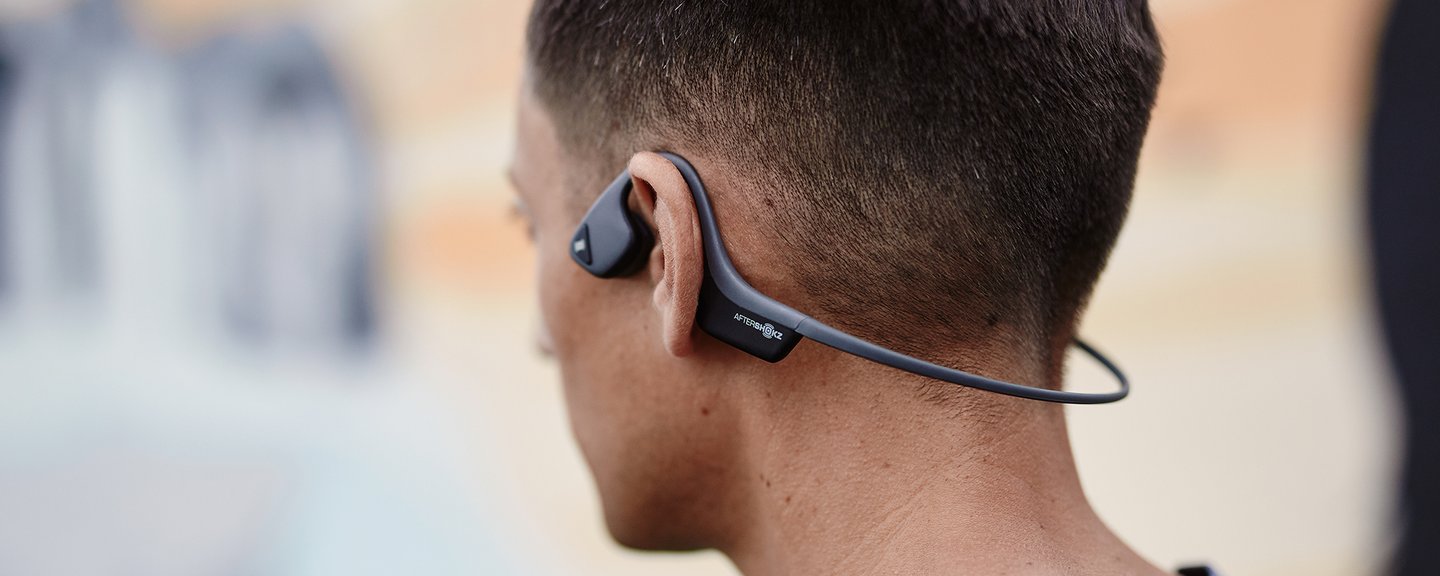
AfterShokz is the worldwide leader in audio patented bone conduction technology headphones. It allows for both, high quality sound and situational awareness, delivers a hearing experience like no other and it’s so lightweight and comfortable that you forget you’re wearing them.
All AfterShokz wireless Bluetooth headphones include a multi-function button. It’s located on the outside of your headphone’s left transducer. The multi-function button is essentially your personal assistant built into your headphones. All it takes is a few taps of your finger to access a variety of commands and shortcuts for taking and making calls or controlling your music, making your everyday experience easier and even more hands-free.
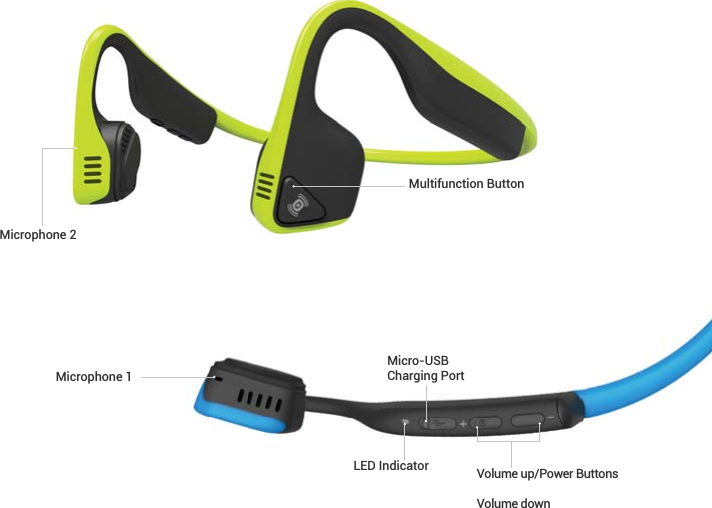
Multifunction Button Commands -
- Play/Pause - Click once
- Skip Forward - Double-click while music is playing
- Back-a-Track (Rewind/Repeat) - Triple-click while music is playing
- Answer a Call - Click once while a call is coming in
- End a Call - Click once while on a call
- Reject a Call - Press and hold while a call is coming in
- Redial Last Number- Double-click while no music is playing
- Voice Dial/Activate Voice Assistant - Press and hold for three seconds
Interested in AfterShokz for your travel retail business? Please contact David Ruiz – Category Manager for Electronics